
Thank you for Installing 1Click
Browser Guard!
You’re all set. 1Click Browser Guard will now detect unsafe websites, malware, phishing attempts, and suspicious browser for you while you browse.
How to use
Browser Guard by 1Click?
STEP
Open 1Click Browser Guard
Click the puzzle icon to find the Browser Guard extension in your browser.

STEP
Pin It
Click the pin icon to add Browser Guard to your browser toolbar for quick access.

STEP
Start Browsing Safely
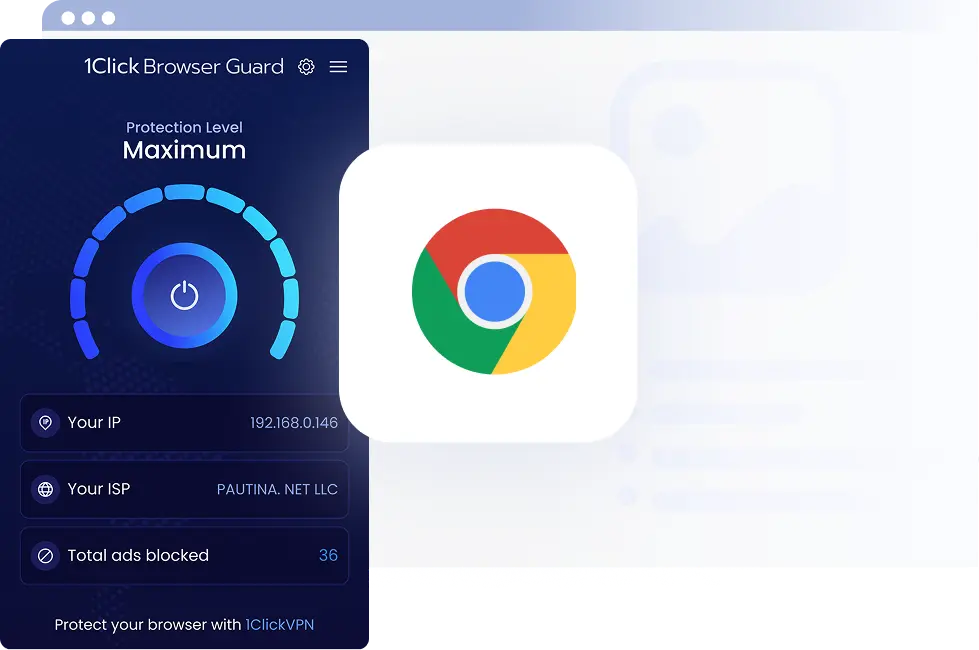
Open 1Click Browser Guard and turn it on to start blocking unwanted ads and online threats.

Why use 1click Browser Guard?

Anti-Phishing Protection
Spot known phishing threats and suspicious pages before you continue browsing.

Detect Unsafe Websites
Get warned when potentially malicious or suspicious websites are detected.

Anti-Malware Protection
Help detect known malware threats and potentially harmful browser activity.

Block Unwanted Content
Reduce intrusive ads, adware, and other unwanted content while you browse.