
Thank you for Installing 1Click
Safe Browsing!
Follow the steps below to activate 1Click Safe Browsing and block unwanted ads in just one click.
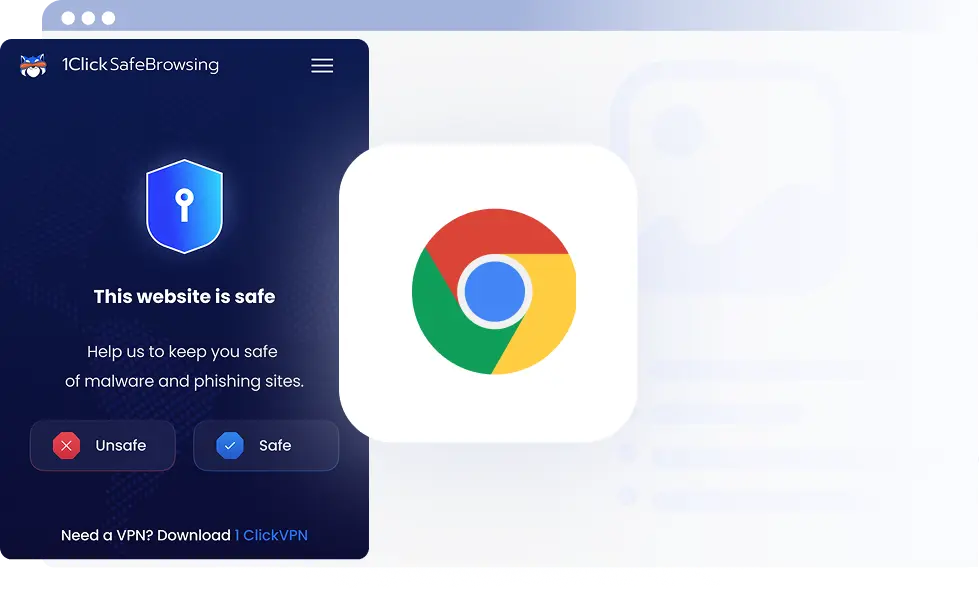
How to use
Safe Browsing by 1Click?
STEP
Open 1Click Safe Browsing
Click the puzzle icon to find the Safe Browsing extension in your browser.

STEP
Pin It
Click the pin icon to add Safe Browsing to your browser toolbar for quick access.

STEP
Start Browsing Safely
Open 1Click Safe Browsing and turn it on to start blocking unwanted ads and online threats.

Why use Safe Browsing by 1 Click?
Browse safer with fewer distractions and enjoy a cleaner, faster web experience with 1Click Safe Browsing.

No IP/DNS leaks

Avoid ISP Tracking

Undetected browsing

Unblock Websites